Development 19.10.2026
19.10.2026 SpeedyGo: One plugin to make your WordPress website faster
 Corvexa: AI that turn more website visitors into qualified leads.

 Energy
 Oil and gas
 Transportation
 E-commerce
 Healthcare
 Real Estate
 Fintech
 Manufacturing
 Education
 Agriculture
 Travel
 Cyber Security
 Crypto
 Law and Order
 Entertainment
 Hospitality
 Logistics
 Non-profit
 Digital Industry
 Venture Capital
A Quick Guide on the Right Software Development Approach for Enterprises in 2023


 24/08/2026


In this guide, we’ll explain what custom web development means, what it includes, when you actually need it, how the development process works, what technologies can be involved, how to control costs, and what to look for when choosing a development partner.
Most importantly, you’ll understand one thing: Custom development is not about making your website complicated. It is about building the right solution for the problem your business actually has.
Custom web development means creating a website or web application around the specific requirements of a business, product, or audience. Instead of starting with a fixed template and adjusting your business to fit it, the development process starts with understanding what you actually need. Custom development can include:
The important difference is flexibility. You can decide how the website should work, how users move through it, what systems it connects with, and what your internal team needs to manage.

The difference becomes easier to understand when you look at where the project starts.
A template already gives you:
You then customise the content, colours, images, and some features.
This can work very well for a simple business website.
A custom project usually starts with: Business goals → User requirements → UX/UI → Architecture → Development → Testing → Launch You are not limited by the structure of an existing template. This makes custom development particularly useful when your website needs to support unique workflows or complex functionality.

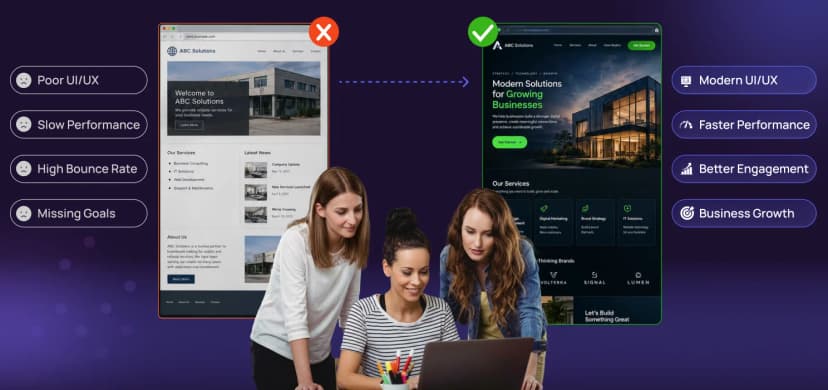
Not every business needs a custom website. If you need a basic company website, portfolio, blog, landing page, or simple informational website, an existing CMS or website builder may be enough. Custom development becomes more valuable when your requirements are more specific.
Suppose your customers need to submit information, receive approval, upload documents, and then track progress through multiple stages. If standard tools cannot handle that process properly, custom development can build the workflow around your business.
Your website might need to communicate with:
Custom development allows these systems to work together instead of forcing your team to move information manually.
If users log in, create accounts, manage information, make payments, collaborate, or complete complex tasks, you are probably building more than a traditional website. You are building a web application.

Custom development covers much more than writing code for webpages.
The frontend is the part users interact with. It can include:
Technologies can include React, Next.js, JavaScript, TypeScript, HTML, and CSS.
The backend handles the logic behind the interface. It can manage:
Technologies may include Node.js, Python, PHP, Laravel, and other frameworks depending on the project requirements.
Modern websites rarely work alone.A website might connect to a CRM to automatically send new leads to the sales team. It might connect to a payment gateway to process transactions. It might connect to an ERP to retrieve inventory information. The result could look like: Customer → Website → API → CRM → Sales team. Instead of manually transferring information, the systems communicate automatically.

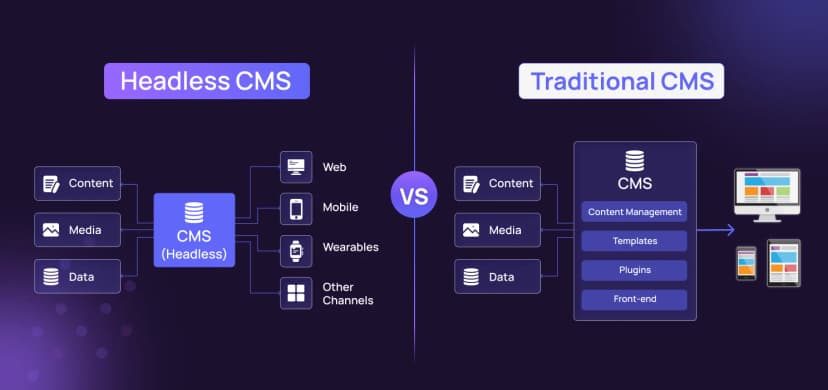
A Content Management System allows teams to create and update website content without depending on developers for every small change. But different businesses manage very different types of content.
You might need:
You may need:
A custom CMS can be structured around these specific requirements, making content management easier for the people using it every day.

Platforms such as WooCommerce and other ecommerce systems can handle many standard requirements. But businesses sometimes need more.
The important question is not whether custom ecommerce is automatically better. It is: Can the existing platform support your business without forcing you into unnecessary compromises? If the answer is no, custom development may be worth considering.

Some businesses call their product a website when it is really an application. Think about:
Users are not simply reading information. They are logging in, creating, editing, searching, managing, and completing tasks. That requires application-focused architecture rather than just page development.

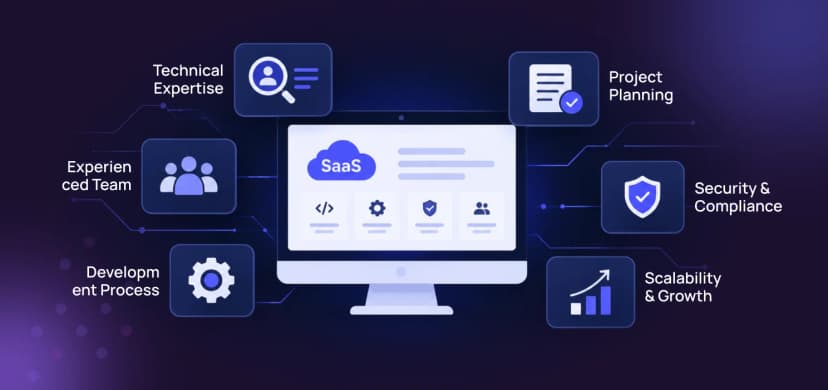
SaaS products are designed for ongoing user interaction. A SaaS platform may require:
The architecture needs to consider not only the first version but also future growth. A product may start with 100 users and eventually need to support thousands. Planning for that growth early can prevent expensive technical problems later.

A strong development project should not begin with coding immediately. It should begin by understanding the problem.
The first stage is understanding:
This helps the team solve the right problem instead of simply building whatever was initially requested.
A broad requirement needs to become a clear specification. For example: “Customers should manage their accounts.” can become:
Now the requirement is much easier to design and develop.
Before development, designers can map:
This stage is important because it allows usability problems to be identified before they become expensive development changes.
The technical team decides how the product should work behind the scenes. This can involve:
The technology should be selected based on the requirements rather than simply because it is popular.
Development turns the designs and requirements into a working product. A complex project can be divided into stages: Foundation → Core features → Integrations → Advanced features → Admin tools → Optimisation Building in stages makes testing and feedback easier.
Testing should cover more than whether buttons work. A professional project should consider:
Testing throughout development can prevent small issues from becoming major problems after launch.
Once the website is ready, it needs to be moved into the production environment. This may involve:
For complex applications, deployment is an engineering process rather than simply uploading files.
Launching is not the final step. Websites need ongoing attention because:
Maintenance can include bug fixes, security updates, performance improvements, backups, monitoring, and new features.

Performance should not be something you think about only after your website becomes slow. It is influenced by architecture and implementation choices. Important factors include:
Google’s Core Web Vitals focus on loading performance, responsiveness, and visual stability, making technical performance an important part of the overall web experience. A website can have excellent functionality and still frustrate users if every interaction feels slow.

Scalability means your website can support growth without requiring constant rebuilding. Growth could mean:
You do not need to build an enormous system from day one. But you should avoid making technical decisions today that make tomorrow’s growth unnecessarily difficult.

Custom development gives you greater control, but it also means security needs to be deliberately planned. Depending on the project, this may include:
The more sensitive the information your application handles, the more important these considerations become.

This is an important misconception. Custom development does not mean writing every component from zero. Modern development uses proven:
The custom part is how these technologies are selected, configured, connected, and extended around your requirements. Smart development reuses reliable technology where it makes sense.
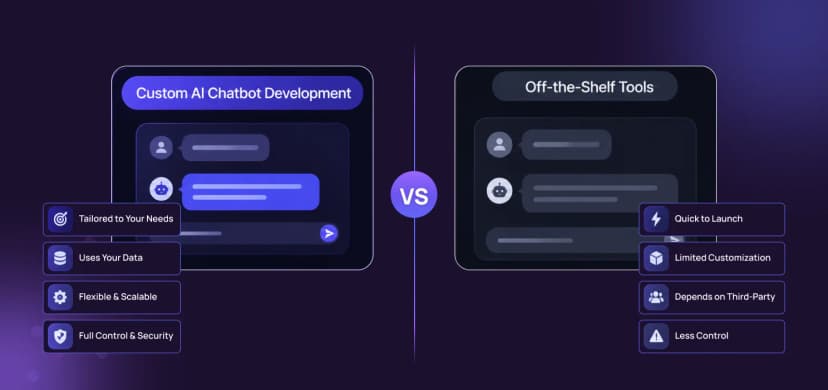
| Requirement | Off-the-shelf | Custom |
| Simple business website | Excellent | Usually unnecessary |
| Basic blog | Excellent | Usually unnecessary |
| Standard ecommerce | Often suitable | Sometimes |
| Unique workflows | Limited | Strong |
| Complex integrations | May require workarounds | Strong |
| SaaS platform | Limited | Strong |
| Custom customer portal | Limited | Strong |
| Internal business application | Limited | Strong |
| Specialised user experience | Limited | Strong |
There is no universally correct option. The right solution depends on what your business actually needs.
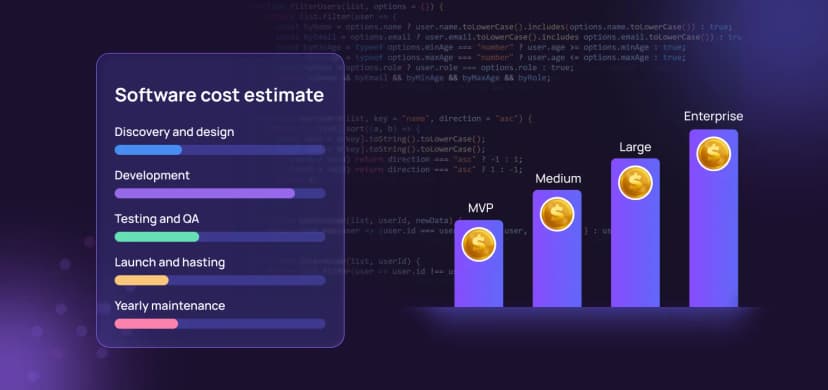
There is no single price for custom web development. A five-page custom website and a multi-user SaaS platform can both be called “custom web development,” but the complexity is completely different.
The investment can depend on:
A better estimate comes from breaking the project into parts: Discovery + UX/UI + Frontend + Backend + Integrations + Testing + Deployment + Maintenance This gives you a more realistic understanding of where the investment is going.

Custom development does not have to mean uncontrolled costs.
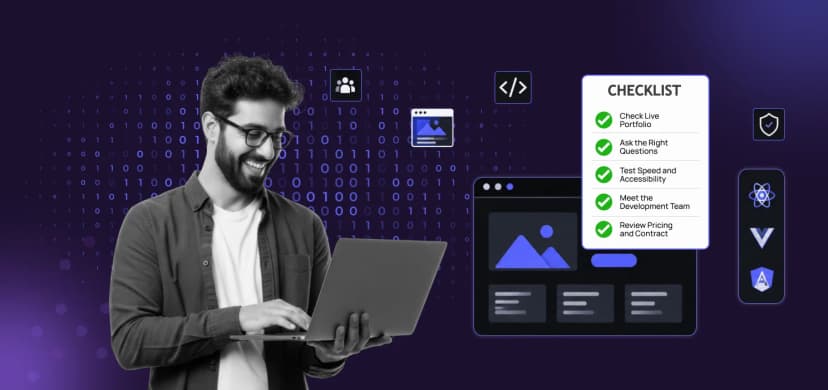
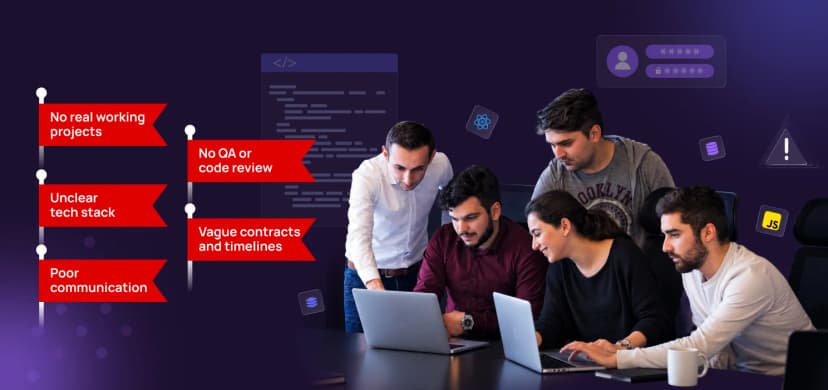
Choosing the right development partner can have a major impact on the project.
At the end of a successful project, you should have more than a website.
You should have:
The goal is to create a digital asset that continues to provide value after launch.
Technical development can influence SEO through factors such as:
But custom development alone does not automatically make a website SEO-friendly. SEO needs to be considered alongside technical architecture, content, information structure, and user experience. The goal is simple: Build something that search engines can understand and users can actually use.
This is perhaps the most important point.
Do not start with: “We need a custom website.”
Start with: “What are we trying to improve?”
Maybe you want to:
Once you understand the problem, the technology has a purpose.
How Code and Core approaches custom web development
At Code and Core, custom development is approached as a combination of strategy, UX/UI design, technology, development, and ongoing optimisation. The team works across custom web development, UX/UI design, SaaS, CRM, ERP, ecommerce, WordPress, and other digital solutions.
The technology used can include React, Next.js, PHP, Laravel, Node.js, Python, MySQL, MongoDB, and AWS, depending on the project’s specific requirements. The important thing is not simply having access to different technologies. It is knowing which technology makes sense for the problem you are solving. A marketing website does not need the same architecture as a SaaS platform.
A customer portal does not need the same approach as an ecommerce store. A custom solution should be designed around the product, users, and business goals.

Custom web development is not about adding complexity. It is about building technology around your business needs. Start with the problem, understand your users, design the right workflows, choose the right technology, and keep improving after launch. The best custom website is not the one with the most code. It is the one that makes complex business needs simple for users. If your business has outgrown standard solutions, Code and Core can help build custom websites, web applications, SaaS platforms, portals, and integrations that fit your goals.

Catch wind of the latest technologies, strategies, and information that are set to boost your business operation. We update frequently!