










Why does a website need periodic maintenance?
 10/07/2025


Just think about it – In life, nothing works well without regular care.
You maintain your house so it doesn’t fall apart.
You service your bike so it doesn’t break down on the road.
Your phone needs regular updates.
Basically, everything around us needs an upgrade to keep working smoothly.
And technology? Oh, it evolves faster than anything else.
Now, to explain this better, let’s talk about one of the most popular tools in the digital world: WordPress.
“It powers over 43% of all websites on the internet, equating to around 472 million sites.“

website updating
Here’s something interesting: Whenever WordPress rolls out an update, most plugins update too. Why? Because they need to match the new version of WordPress. It’s just like how iPhone apps update right after iOS gets a new version.
Your plugins get updated. Your theme gets updated. And if you don’t upgrade with it… your site slowly becomes outdated, buggy, or worse, hackable.
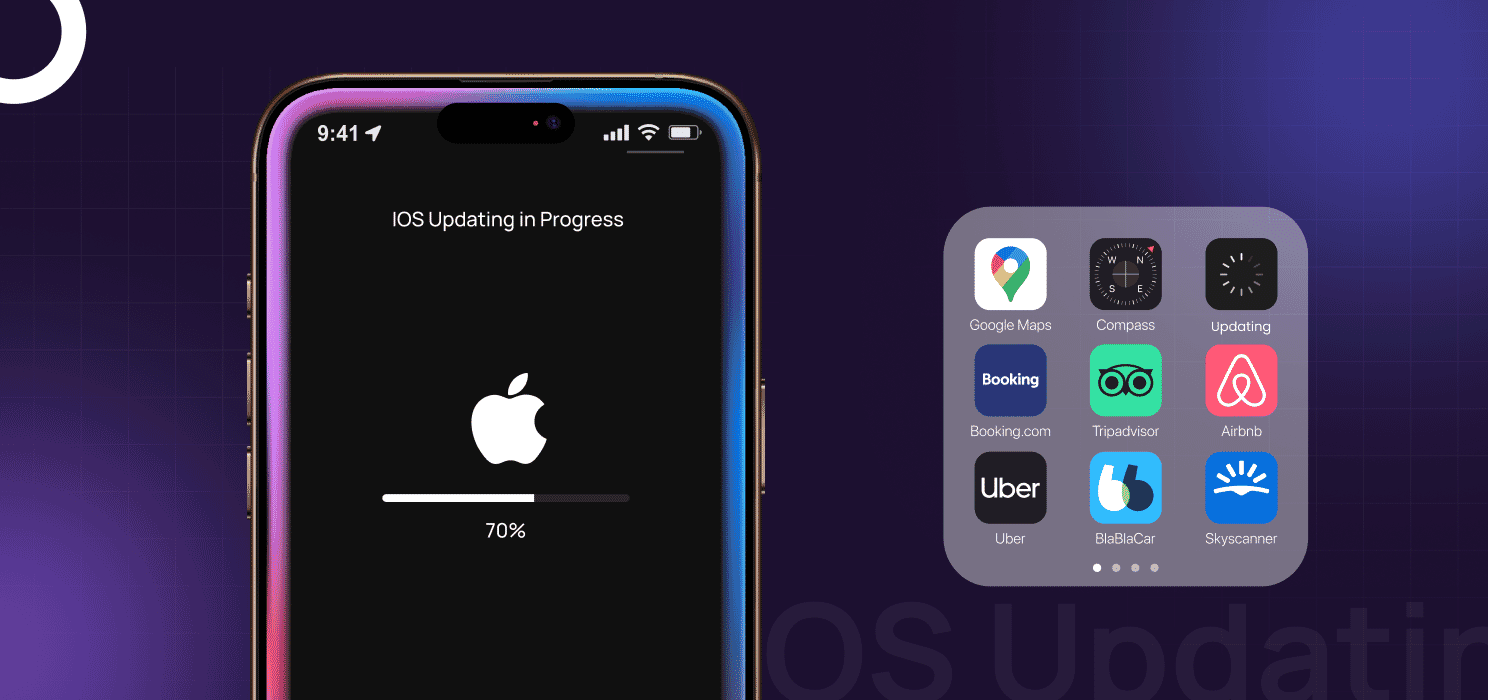
So if WordPress, the king of CMS, needs maintenance, then every other website definitely does too.
If you’re not maintaining your site, you’re not just pausing progress; you’re inviting problems.
Let’s dig into why website maintenance isn’t just “nice to have”, it’s absolutely essential.
Why is site maintenance necessary?
A lot of people build a shiny new website and then forget about it for months or years.
But the internet doesn’t work like that. Things are always evolving. Browsers change. Search algorithms change. Security threats get smarter. If you don’t adapt, your website will slowly break or, worse, become vulnerable.
Here’s exactly why maintenance matters:
1. To protect the site from new security threats.
Hackers are not sleeping. Over 30,000 websites are hacked every day.
If your website isn’t regularly updated, it’s an open invitation.
- Old plugins/themes = loopholes
- Old plugins/themes = loopholes
- Weak backups = permanent loss
Now be honest with yourself — is my website secure right now?
Want to be sure? Here’s how to check if your WordPress site has been hacked.
2. Enhance the features of existing plugins and the site theme
Plugins are like mini-apps that power your website’s functionality, forms, sliders, payments, you name it.
Themes control your site’s look and feel.
Both need regular updates. And so does the WordPress core.
If you don’t keep things in sync:
- Pages might stop loading properly
- Features might disappear or behave weirdly
- Designs could break or become unresponsive
So the real question is, how often should you update everything to keep your site running smoothly?
Honestly, just once a month does the job, and it barely takes 10 minutes.
3. Reliable backups
Imagine your website just… vanishes. Server issues, hacks, or failed updates — they happen.
And in that moment, the only thing that saves you is a good backup.
So yeah — do I have a working backup if my site crashes today?
And also… is that backup recent?
Tip: Don’t just rely on your hosting provider; use a second backup system too.
4. Improves website performance
Ever left a website because it took forever to load?
Your visitors do the same.
Websites naturally slow down over time due to:
- Unused files and scripts
- Image overload
- Cache and database buildup
And you wonder — why is my site loading so slow lately?
That’s your answer right there.
Regular maintenance keeps your site light and fast.
You can:
- Clear out unnecessary cache
- Compress heavy images
- Fix broken scripts or pages
- Monitor page speed monthly
Fun stat: A 1-second delay in load time can reduce conversions by 7%
5. Enhance user experience
You might love your website.
But if a visitor lands on a broken page, sees outdated pricing, or can’t fill your contact form, they’ll leave instantly.
Maintenance helps make sure:
- Every button works
- All links are updated
- The design stays clean and responsive
- The content is fresh and relevant
First impressions matter. A smooth, up-to-date site builds trust fast.
So ask yourself: Is every page, form, and link actually working right now?
6. Uptime monitoring
Your site should be live 24/7.
But sometimes servers go down, bugs crash the system, or something random breaks.
With uptime monitoring, you get instantly notified when the site goes offline, so you can fix it before customers notice.
Tools you can use:
So here’s a thought — how will I even know if my website goes down in the middle of the night?
That’s what uptime monitoring tools are for. Get notified before your visitors do.
7. Improved SEO rankings
Google loves websites that are fresh, fast, secure, and mobile-friendly.
And maintenance directly supports all of these.
If your site has broken links or outdated info, you’ll slide down the rankings no matter how good your product is.
Here’s a quick breakdown:
| Maintenance Task | SEO Benefit |
| Fix broken links | Improves site crawlability |
| Speed optimization | Boosts load time = higher ranking |
| Mobile updates | Supports mobile-first indexing |
| Fresh content | Keeps site relevant in search |
| Secure (HTTPS) | Trusted by Google + users |
So before blaming your keywords, ask: Is my website technically healthy right now?
8. Staying with current trends
Let’s be honest, trends change faster online than anywhere else.
One year it’s minimal design, the next year it’s full-blown 3D buttons.
One month it’s text-heavy, the next it’s video-first.
If your website still looks like it did in 2019… users will feel it.
(And not in a good way.)
Keeping up with trends doesn’t mean redesigning your site every week
It means small, smart updates that keep you looking fresh, relevant, and trustworthy.
What kind of trends should your website adapt to?
- Design trends: Modern layouts, smooth animations, dark mode, etc.
- UX trends: Sticky headers, micro-interactions, faster navigation
- Tech trends: Chatbots, AI integrations, push notifications
- Content formats: Adding video explainers, short blogs, and podcasts
- Search trends: Voice search compatibility, FAQ schema, etc.
A small tweak in your design or functionality every few months can make your site feel alive, not abandoned.
Your website doesn’t need a full redesign every time, but ask yourself:
Does my site still look and feel like it belongs in 2025? Or does it scream 2018?
9. Staying ahead of competitors
Your competitors are constantly updating their sites:
adding features, improving speed, and testing new content.
If you’re not maintaining yours, you’re not just behind, you’re losing ground.
Website maintenance helps you:
- Launch updates faster
- Improve UX regularly
- Keep info fresh (pricing, services, team)
- Add tools like AI chat, video, and reviews
- Match the latest SEO & design trends
People judge your brand in under 5 seconds, and most of it is visual.
While they’re uploading case studies and optimizing speed,
Your outdated layout or broken contact form could be costing you leads.
So maybe it’s time to check: what updates has my competition made recently that I haven’t?
10. Bug fixes and error resolution
No matter how well your site was built, bugs can pop up anytime
a form stops working, a button doesn’t respond, or something just feels… off.
These small issues can quietly hurt your user experience and your conversions.
Regular maintenance means:
- Spotting and fixing errors early
- Testing across devices and browsers
- Ensuring all features work as expected
A tiny bug can cost you big if it breaks a key part of your site.
Don’t wait for a customer to tell you — ask yourself: When was the last time I tested my site on different devices?
Types of website maintenance services – What does website maintenance include?
Website maintenance isn’t just about fixing bugs or updating plugins.
It’s actually made up of three main types, and each one plays a key role in keeping your website smooth, secure, and up-to-date.
Here’s a breakdown of what they include:
| Technical Maintenance | Content Maintenance | Security Maintenance |
| – CMS, plugin & theme updates | – Updating images, blogs, or pricing | – Malware scans |
| – Bug fixing & code improvements | – Uploading products, case studies | – SSL certificate renewal |
| – Page speed optimization | – Adding FAQs or new sections | – Firewall & protection plugins |
| – Hosting support | – Backup & recovery setup |
How to find the right website maintenance service provider?
Not all maintenance services are made equal.
Here’s what to look for:
✅ Clear communication
✅ Proven experience in your tech stack (like WordPress, Shopify, etc.)
✅ 24×7 support or fast response
✅ Regular reporting
✅ Backup and restoration support
✅ Not just technical — but UX & SEO understanding too
Want a one-stop solution? Code and Core offers tailor-made website maintenance services from bug fixing to full performance audits.
Invest in website maintenance services today and boost your visibility with Code and Core
Code and Core isn’t just another service provider, it’s your all-in-one website partner.
We don’t just tick off tasks from a maintenance checklist; we take ownership of your site like it’s our own.
From fixing bugs and updating plugins to running security scans, speed boosts, backups, content changes, uptime monitoring, and more, we cover it all under one roof.
You can choose a plan that fits your needs, whether it’s basic monthly checkups or full-on technical + content + security support.
Need custom work or just want occasional help? You can pick exactly what you need when you need it.
Plans start from around $399, depending on the level of care your site needs.
Check out all our services and maintenance plans at https://codeandcore.com/services/
📩 Or email us directly: hello@codeandcore.com
Let’s not just maintain your website, let’s grow it together.
Final Words
Think of website maintenance as an ongoing relationship, not a one-time setup.
You don’t want to be that business with a broken button, outdated content, or a hacked page.
You want to show up as your best always.
And honestly, it’s cheaper to maintain a website monthly than fix it when it breaks down completely.
👉 Invest smartly today.
Talk to us at Code and Core; we’ll take care of your website like it’s our own.

Why is website maintenance important? 
What does website maintenance include?
Everything from technical updates to content uploads, SEO checks, security scans, and backups.
How long does it take?
Depending on the tasks, from a few hours weekly to ongoing monthly support.
Who does website maintenance?
It can be done by developers, agencies, freelancers, or even in-house teams. Code and Core provides dedicated support.
How often should you maintain your website?
At least monthly. But backups and security checks should ideally be done weekly.
Should I buy a maintenance package?
If you don’t have a technical team, yes. It saves time, prevents issues, and keeps your brand looking sharp.
Stay Updated (Blogs)
Catch wind of the latest technologies, strategies, and information that are set to boost your business operation. We update frequently!
Looking for reliable white label services?
At Code and Core, your data is safe with top-tier encryption. For extra peace of mind, we're happy to sign an NDA to ensure full confidentiality
Let's Talk
- Pay roll Basis
- Hire Tech Pool
- Maintenance of Existing Project
- Fixed Price Project
- Hourly Based
- Something Else





