










How to Copy ACF Fields from One WordPress Site to Another – Easy 2 mins solution
 18/02/2026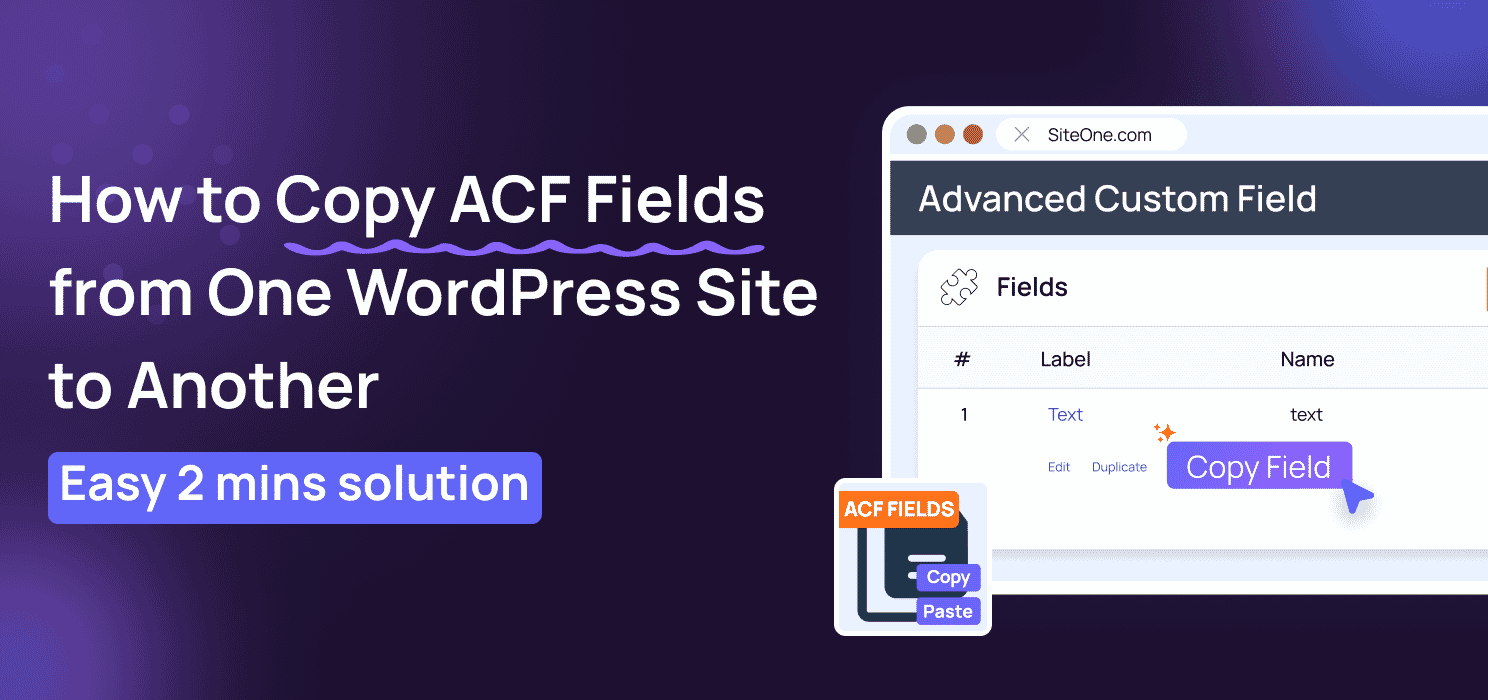


If you build websites with Advanced Custom Fields (ACF), you know the frustration of recreating fields over and over again. Simple text fields are manageable, but when it comes to complex structures like Repeaters, Flexible Content layouts, or nested Groups, manual duplication can eat up 15-30 minutes per field. Over time, that adds up to hours of wasted effort.
The problem? ACF doesn’t provide an easy way to copy individual fields. Exporting and importing entire field groups is clunky, inflexible, and often more than you need. For developers, agencies, and content managers, this is a real workflow bottleneck.
That’s where this plugin comes in. It’s the only tool on the market that lets you copy any ACF field, including nested and complex structures, and paste it anywhere, even across different WordPress sites. No manual rebuilding, no key conflicts, and no wasted time.
In this post, we’ll explore why this plugin is a game-changer, how it works, and how it can save you hours of repetitive work every week.
Cross Site Copy Field for ACF

CSCF for ACF is a WordPress plugin that makes copying, transferring, and duplicating Advanced Custom Fields fast, precise, and effortless. Unlike ACF’s default export/import tools, which only work at the field group level, this plugin lets you copy individual fields with all their settings intact.
With this plugin, you can:
- Copy any ACF field, including nested structures like Repeaters, Groups, and Flexible Content.
- Paste fields anywhere, whether in the same site or across different WordPress installations.
- Preserve all settings, including conditional logic, instructions, wrapper settings, labels, and validation rules.
- Automatically regenerate unique field keys, preventing conflicts or errors.
Install Cross Site Copy Field for ACF Now
In short, it’s the only solution on the market that gives developers, freelancers, and agencies granular control over individual ACF fields, saving time, reducing errors, and streamlining workflows.
Key Features
Cross Site Copy Field for ACF is designed to make your workflow faster, smarter, and error-free. Here’s what makes it stand out:
- One-Click Copy: Copy any ACF field instantly, including all settings, sub-fields, and nested structures.
- Smart Paste with Automatic Key Generation: Paste fields anywhere without worrying about duplicate keys or conflicts
- Auto-Save & Refresh: Fields are automatically saved after pasting, so you can continue working immediately.
- Cross-Site Transfer via JSON: Copy a field from one WordPress installation and paste it into another effortlessly.
- Nested Field Support: Works seamlessly with complex field types like Repeaters, Groups, and Flexible Content.
- Context-Aware Pasting: Automatically detects the correct location for pasting, simplifying your workflow.
- Supports All 30+ ACF Field Types: From simple text and images to advanced layouts like Flexible Content or Repeaters.
Why Use This Plugin?
Manually copying ACF fields is slow and error-prone. This plugin makes it fast, precise, and hassle-free:
- Saves Time: Copy and paste fields in seconds.
- Reduces Errors: All settings, logic, and nested fields are preserved.
- Works Across Sites: Transfer fields between WordPress sites effortlessly.
- Supports Complex Fields: Fully compatible with Repeaters, Groups, and Flexible Content.
- Streamlines Workflow: Ideal for developers, agencies, and multi-site projects.
Install Cross Site Copy Field for ACF Now
How It Works
Using Cross Site Copy Field for ACF is incredibly simple. In just a few steps, you can copy any field, including complex nested structures, and paste it anywhere, even across different WordPress sites.
Step 1: Install and Activate the Plugin
- Go to your WordPress dashboard → Plugins → Add New.
- Search for Cross Site Copy Field for ACF, install, and activate.

Step 2: Copy Your Field
- Open any ACF field group.
- Click the “Copy” button on the field you want to duplicate.
- A JSON popup will appear: copy it.

Step 3: Paste the Field
- Navigate to the target field group (on the same site or a different WordPress installation).
- Click “Paste” and insert the copied JSON.

Step 4: Done!
- The field is automatically saved, keys are regenerated, and the page refreshes.
- Your field, including all settings, nested sub-fields, and conditional logic, is ready to use instantly.

With this workflow, what used to take 15–30 minutes can now be done in under 2 minutes, saving you time and eliminating errors.
To Conclude
Copying ACF fields manually is slow, error-prone, and frustrating. This plugin makes it fast and effortless, allowing you to copy any field, even complex ones, and paste it anywhere, across sites, with all settings preserved. Save time, reduce errors, and streamline your WordPress workflow.
Ready to simplify your workflow and save time?
Copy what you need. Paste where you need it. Keep building.
Install Cross Site Copy Field for ACF Now
Acknowledgment
This plugin is built to extend the functionality of Advanced Custom Fields (ACF), one of the most powerful and widely used tools for creating custom fields in WordPress. ACF provides the foundation for building flexible and complex content structures, and this plugin is designed to make field-level copying and transfer even easier, saving time and improving workflow.
We thank the ACF team for providing the framework that makes such advanced customization possible.
Related Articles
Elementor vs ACF: Which one is better for you?
ACF WYSIWYG Character Limit: Prevent Layout Breaks and Content Overflow in WordPress
Can I use this plugin with ACF Free or ACF PRO? 
Can I copy fields between different WordPress sites?
Absolutely. You can copy a field’s JSON from one site and paste it into another WordPress installation. The plugin automatically regenerates unique field keys to prevent conflicts.
Do I need to save the field after pasting?
No. Once you paste the JSON, the plugin automatically saves the field and refreshes the page, so you can continue working immediately.
Are all ACF field types supported?
Yes. All 30+ ACF field types are supported, from simple text and images to complex layouts like Repeaters, Flexible Content, Groups, WYSIWYG, and date pickers.
Will copying a field affect the original field?
No. The original field remains completely unchanged. Copying creates an independent duplicate that works seamlessly in the new location.
Are all field settings preserved when copying?
Yes. Conditional logic, validation rules, labels, instructions, wrapper settings, and nested sub-fields are all preserved exactly as they are in the original field
What happens to media references when transferring between sites?
Media references are copied as configuration settings. Since media IDs differ between sites, you’ll need to re-select files (images, documents, etc.) on the destination site.
What are the system requirements?
- WordPress 5.8 or higher
- ACF or ACF PRO 5.0+
- PHP 7.4 or higher
Can I copy multiple fields at once?
You can copy fields individually or as part of a field group, depending on your workflow needs.
Is it safe to use this plugin in production?
Yes. The plugin does not overwrite existing keys, does not affect front-end performance, and operates entirely within WordPress admin. Optional anonymous usage tracking is available but not required.
Stay Updated (Blogs)
Catch wind of the latest technologies, strategies, and information that are set to boost your business operation. We update frequently!
Looking for reliable white label services?
At Code and Core, your data is safe with top-tier encryption. For extra peace of mind, we're happy to sign an NDA to ensure full confidentiality
Let's Talk
- Pay roll Basis
- Hire Tech Pool
- Maintenance of Existing Project
- Fixed Price Project
- Hourly Based
- Something Else





